

Discover Endless Entertainment
Rediscover Joy and Mental Agility
Step back into familiar worlds with our Classic Handheld Memory Console. Designed for comfort and ease of use, this ultra-portable device offers a gentle and engaging way to stimulate the mind, encourage focus, and maintain hand-eye coordination. Whether used as a calming afternoon activity or a way to spark conversation through nostalgia, this console brings favorite pastimes to life in a high-definition, accessible format.
Key Features
-
Key Features for Cognitive Wellness
-
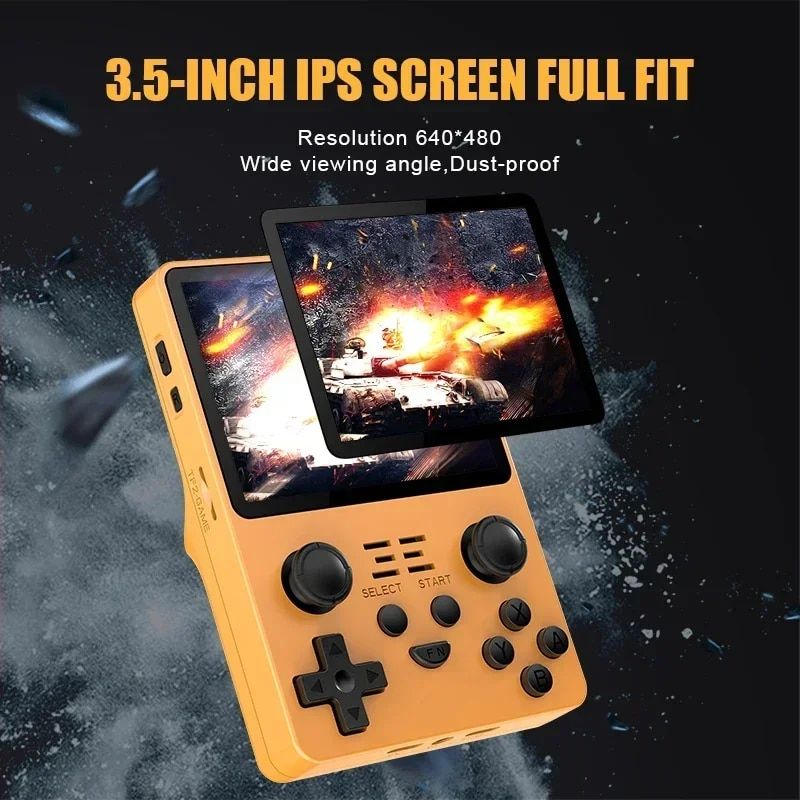
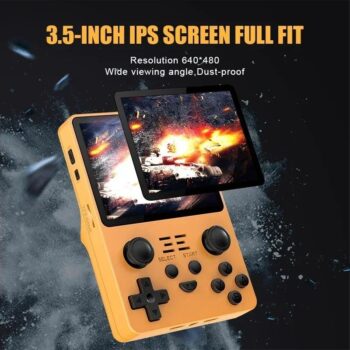
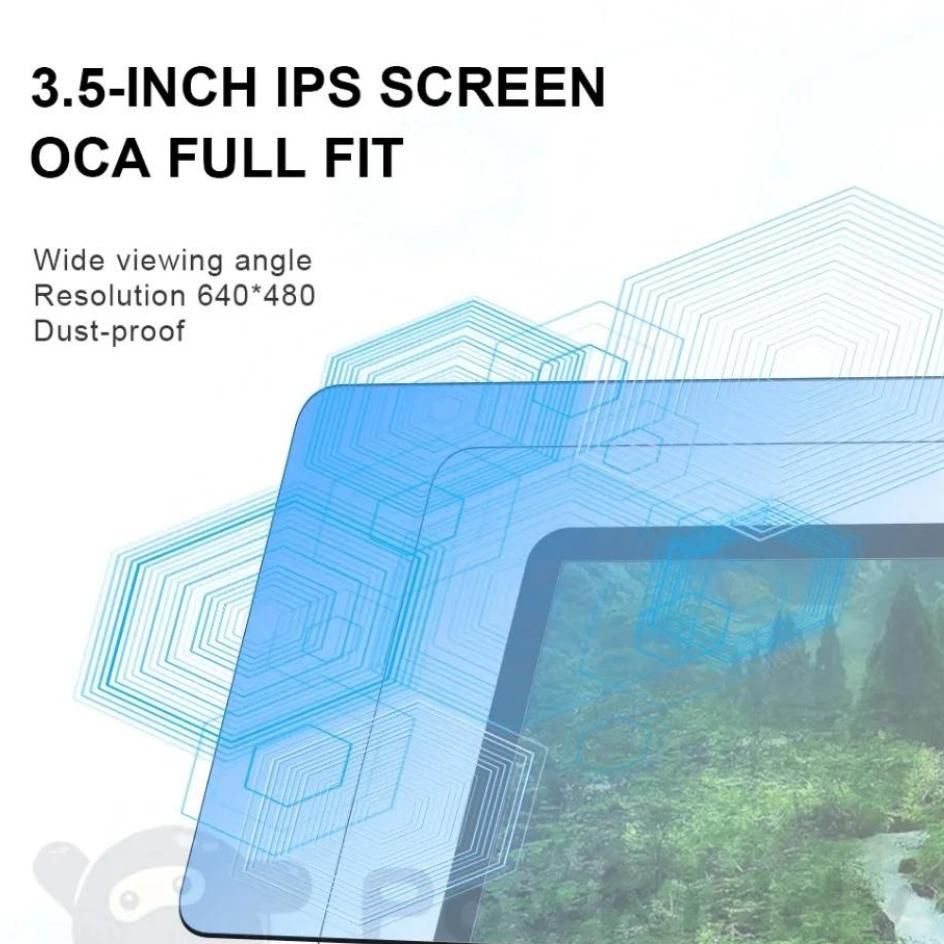
High-Clarity 3.5-inch IPS Screen: Features a bright, 640×480 resolution with a 4:3 aspect ratio, ensuring visuals are easy on the eyes and easy to track.
-
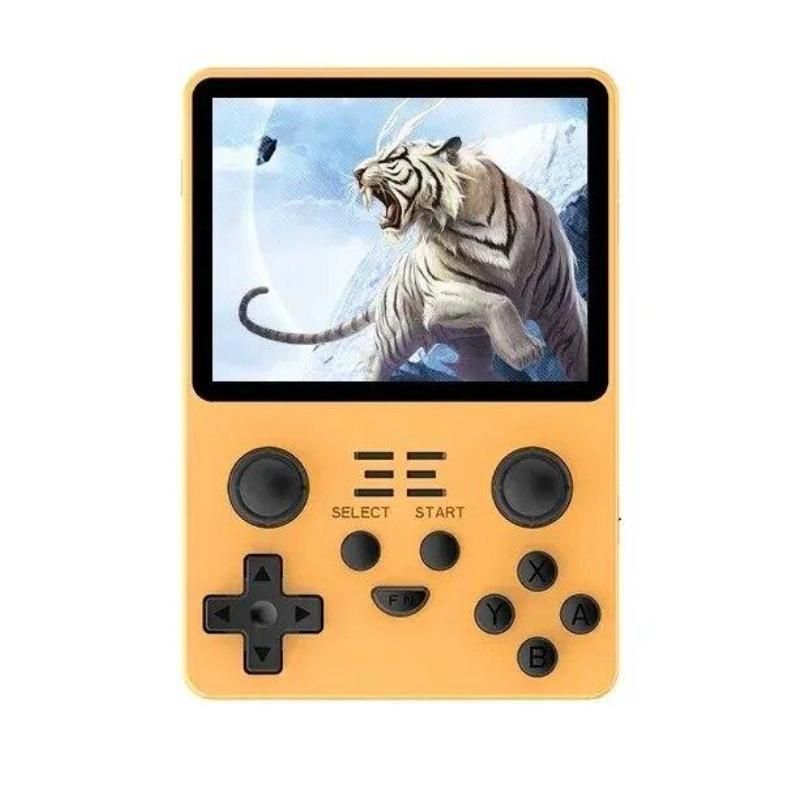
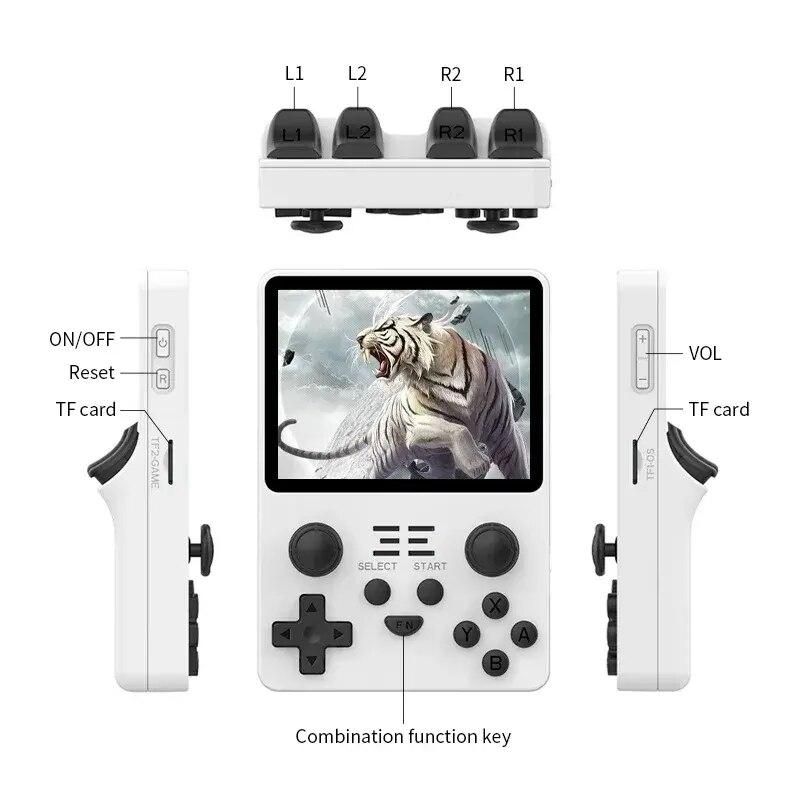
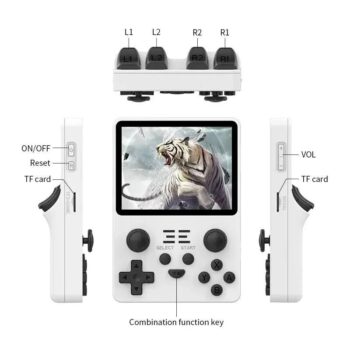
Tactile Ergonomic Design: The unique “Tiger Style” layout features dual joysticks and textured buttons that provide satisfying physical feedback, perfect for maintaining fine motor skills.
-
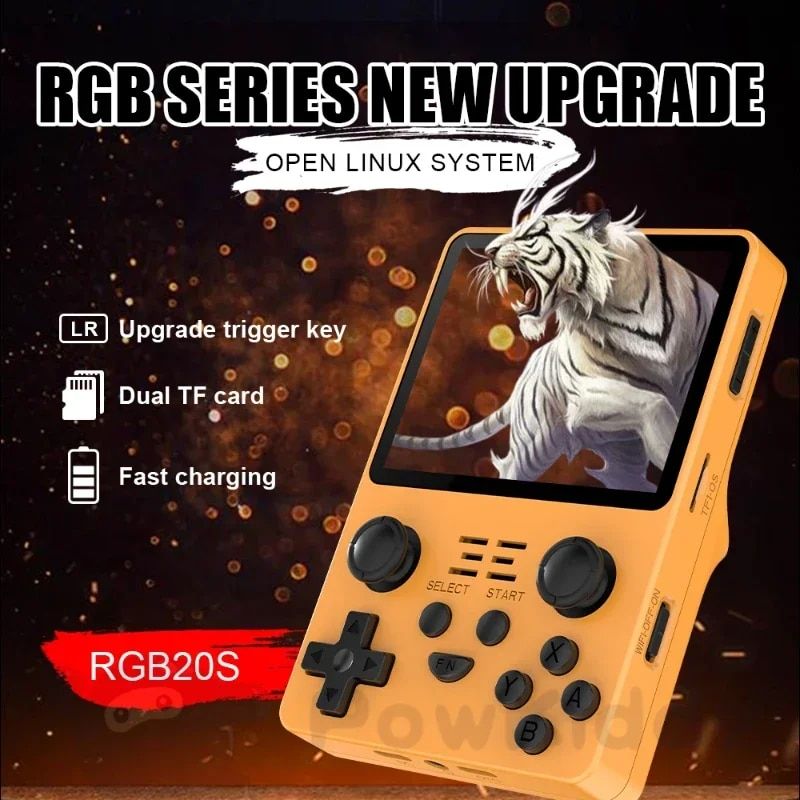
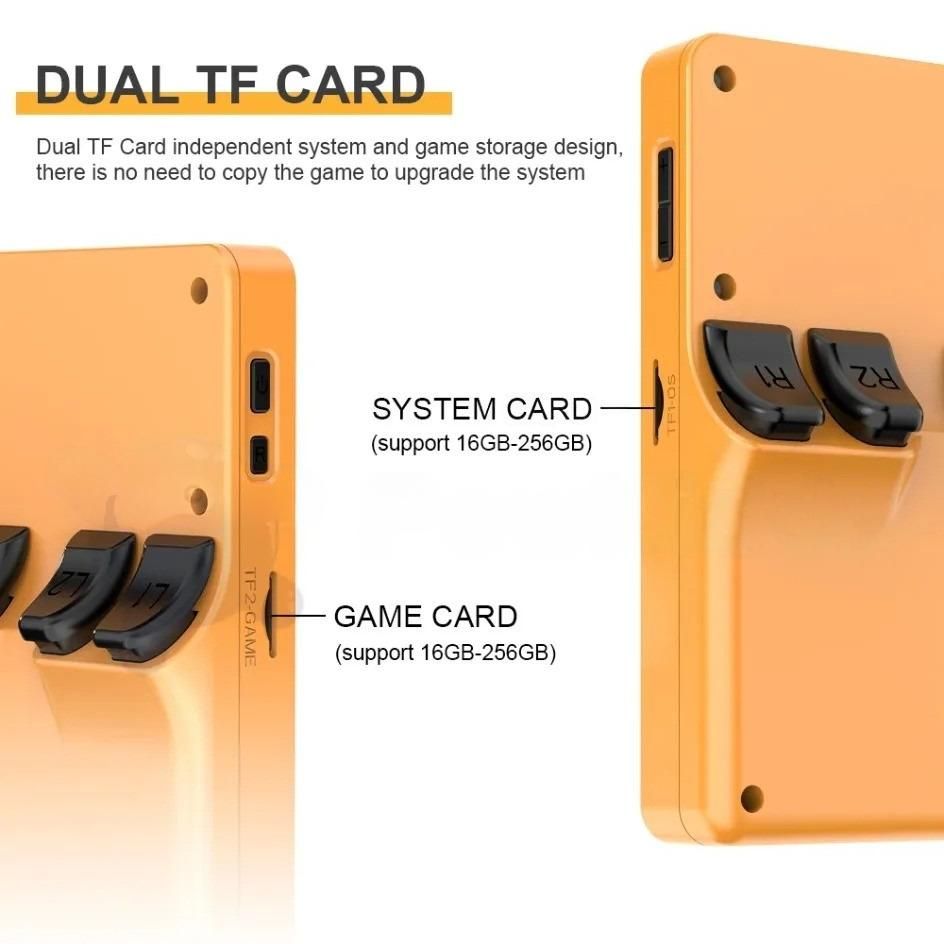
Seamless Reliability: A dual TF card system keeps the operating system separate from the games, ensuring the device remains stable and easy to navigate without technical hiccups.
-
Smooth, Responsive Performance: Powered by a Quad-Core 64Bit CPU to ensure games run fluidly, reducing frustration from lag or stuttering.
-
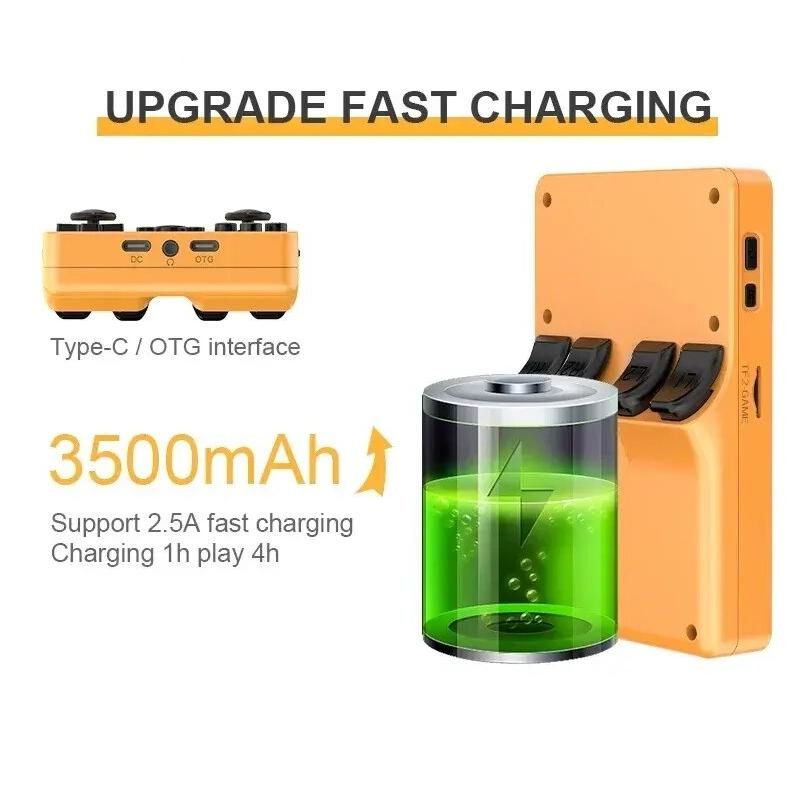
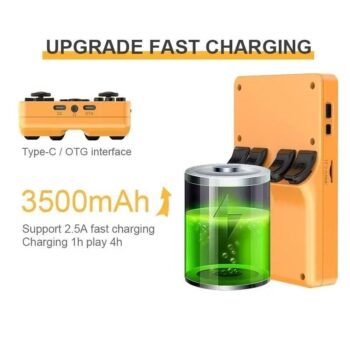
Extended Battery Life: Long-lasting power and fast charging mean the device is always ready when needed for a relaxing session.
-
Global Accessibility: Supports multiple languages, including English, Spanish, French, and German.
-
Safety Certified: Fully CE and FCC certified for a reliable and safe user experience.
-
Why Choose This Console for Cognitive Support?
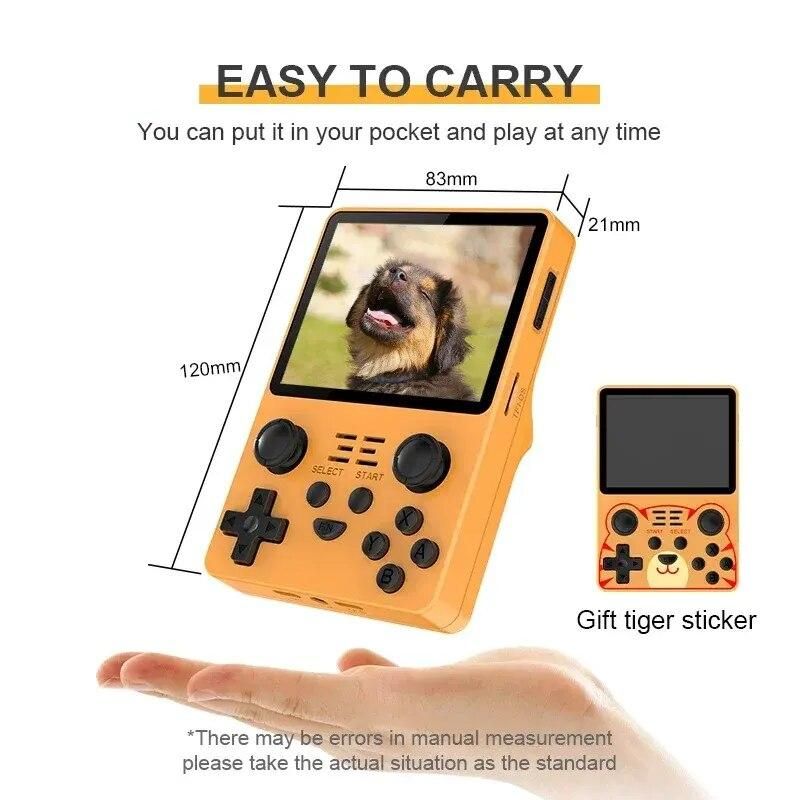
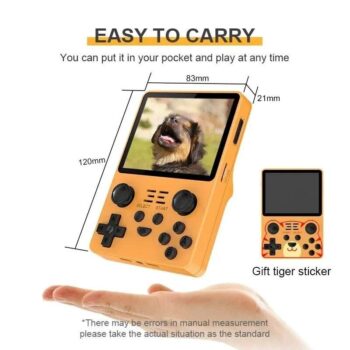
This isn’t just a gaming device; it’s a tool for engagement. By blending nostalgic aesthetics with modern reliability, it serves as a bridge to cherished memories. The intuitive layout is easy to learn, making it an ideal companion for those looking to stay sharp or find a calming, repetitive activity. Its portable size fits comfortably in any hand, offering a sense of independence and entertainment at home or on the go.
The Perfect Companion for Any Pace
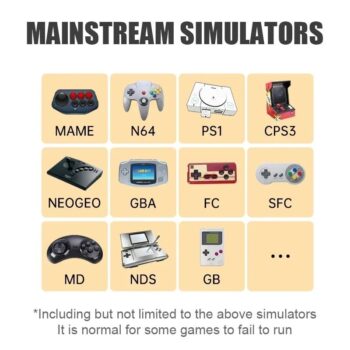
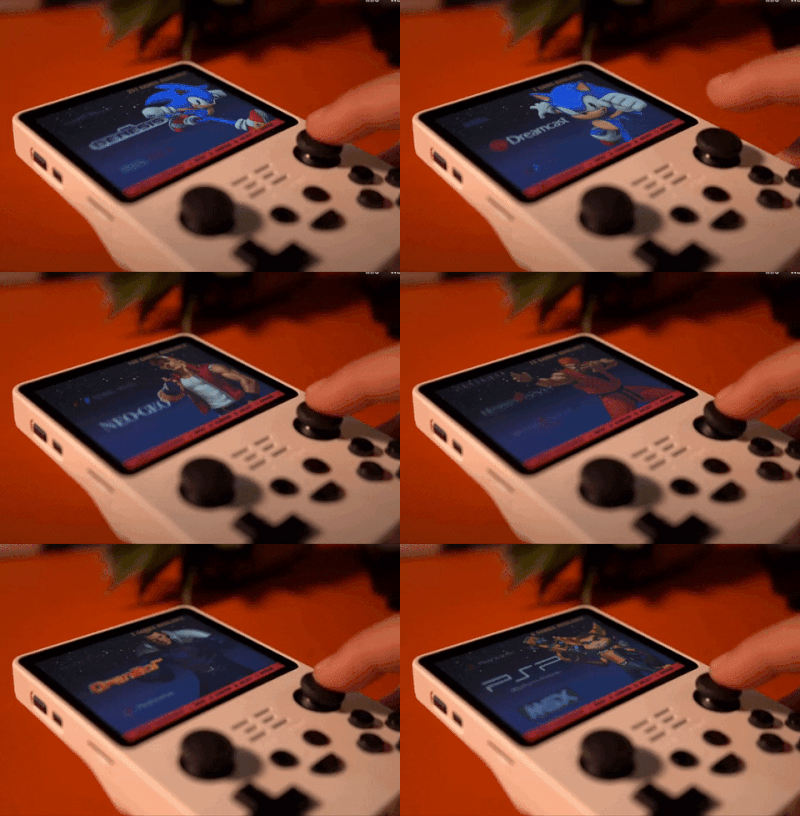
With a vast library of classic titles, users can find games that match their comfort level—from simple puzzles that encourage logic to faster-paced adventures that keep reflexes honed. The interface is designed for straightforward navigation, allowing for a stress-free experience from the moment it’s turned on.
What Sets Us Apart?
Support cognitive health and fine motor skills with our Classic Handheld Retro Console. A portable, easy-to-use device featuring a high-clarity screen and nostalgic games—perfect for seniors and those living with dementia.
Quick Start Guide: Introducing the Memory Console
1. Set the Stage for Success
Before handing over the device, do the “heavy lifting” yourself.
-
Pre-Load Favorites: Navigate the menu and select 3–5 games that are simple and recognizable (e.g., Tetris, Pac-Man, or card games).
-
Adjust Settings: Set the brightness to a comfortable level and the volume to a clear but non-startling decibel.
-
Full Charge: Ensure the battery is green so the activity isn’t interrupted by a low-power warning.
2. The “Side-by-Side” Introduction
Instead of handing the device over and asking them to “play,” try an observational approach:
-
Start Playing Yourself: Sit next to them and play a simple game. Let them watch the colors and hear the sounds.
-
Spark Nostalgia: Say, “I found this old game, do you remember playing something like this?” or “The colors on this screen are so bright, aren’t they?”
-
Invite Participation: Ask for help. “I can’t remember where this piece goes, can you show me?”
3. Focus on Tactile Comfort
For many, the physical sensation of the buttons is as therapeutic as the game itself.
-
The “Joy” of Joysticks: Encourage them to just move the joysticks around to see how the character reacts. There is no “wrong” way to move.
-
Avoid “Game Over” Frustration: Choose games with “infinite lives” or low stakes. The goal is the movement and engagement, not the high score.
4. Keep Sessions Short and Positive
-
Watch for Fatigue: If you notice squinting, sighing, or agitation, gently suggest a break. 10–15 minutes of engagement is a huge success.
-
The “Always Available” Spot: Keep the console in a consistent, visible place (like a side table) so it becomes a familiar part of their environment.
5. Troubleshooting Tips for Caregivers
| If the user… | Try this… |
| Feels overwhelmed | Turn the sound off and focus only on the visual colors. |
| Can’t use the buttons | Use the “Demo Mode” on many classic games just to provide visual stimulation. |
| Gets frustrated | Use the “Save State” feature (if available) so they can pick up exactly where they left off later. |
1. Early Stage: Strategy & Problem Solving
In the early stages, the focus is on “exercising” the brain to maintain executive function and processing speed.
-
Puzzle Classics (Tetris, Dr. Mario): These games improve visual-spatial reasoning and pattern recognition. The increasing speed provides a healthy challenge that keeps the mind “alert.”
-
Card & Board Games (Solitaire, Mahjong, Chess): Digital versions of these classics rely on long-term memory of rules while requiring current focus to plan the next move.
-
Word Puzzles: Games that involve finding hidden words or unscrambling letters are excellent for language maintenance and memory recall.
2. Mid-Stage: Familiarity & Motor Coordination
As cognitive load becomes more taxing, focus on games that are intuitive, offer immediate feedback, and help maintain dexterity.
-
Arcade Staples (Pac-Man, Galaga, Frogger): These games have simple “up-down-left-right” mechanics. They rely on “muscle memory” and offer bright colors and iconic sounds that can be very grounding.
-
Sports Simulations (Golf, Bowling, Tennis): Classic 2D sports games have a clear, real-world objective. The pacing is often slower (especially in Golf), allowing the user to take their time without feeling rushed.
-
Matching Games: Simple “find the pair” or “match three” games (like Bejeweled style clones) provide a satisfying “success loop” with every match made, releasing dopamine and reducing anxiety.
3. Late-Stage: Sensory & Calming Stimulation
In later stages, the goal is often “reminiscence” and sensory comfort rather than active gameplay.
-
Environmental Simulation: Simple games with nature themes, such as fishing or basic farming simulations (Harvest Moon style), can be calming and visually pleasant.
-
Music-Based Interaction: If the console has rhythm or music-heavy games, the auditory stimulation can be incredibly powerful. Many musical memories remain intact even when other memories fade.
-
The “Attract Mode”: Even if the user can no longer operate the buttons, many retro games have an “Attract Mode” (the demo that plays on the title screen). Watching the colorful characters move can be a soothing visual distraction.
Game Selection Summary Table
| Goal | Best Game Types | Why it works |
| Mental Agility | Tetris, Sudoku | Exercises logic and spatial awareness. |
| Fine Motor Skills | Pac-Man, Pinball | Requires small, precise joystick movements. |
| Anxiety Reduction | Solitaire, Fishing | Predictable, slow-paced, and low pressure. |
| Reminiscence | Space Invaders, Old Card Games | Taps into long-term memories of the 70s/80s. |
A Note on “Frustration Management”
If you notice the user becoming upset by “Losing” or “Game Over” screens, look for games that have Infinite Mode or use the Save State feature on the console. This allows you to save the game at a “happy point” so they never have to start from the beginning.
Get Yours Today!
Don’t miss out on the ultimate gaming experience. Click to buy now and embark on an endless journey of fun and adventure with our Compact Retro Handheld Gaming Console. Experience the perfect blend of nostalgia and modern gaming today!



Real customer reviews